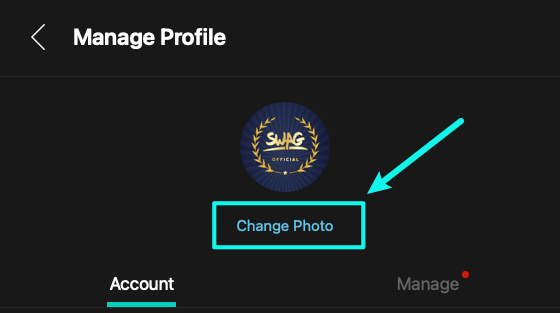
To change your account profile picture, follow the steps below:
From the home page, tap 【Account】 in the lower-right corner.
Tap 【Settings】 in the menu.
After opening Settings, tap 【Manage Profile】.
Under your profile information, tap 【Change Photo】 and select the photo you want to use.