How do I sign in with Apple?
1. Open the app
Make sure you're using an Apple device and that your SWAG app is updated to the latest version.
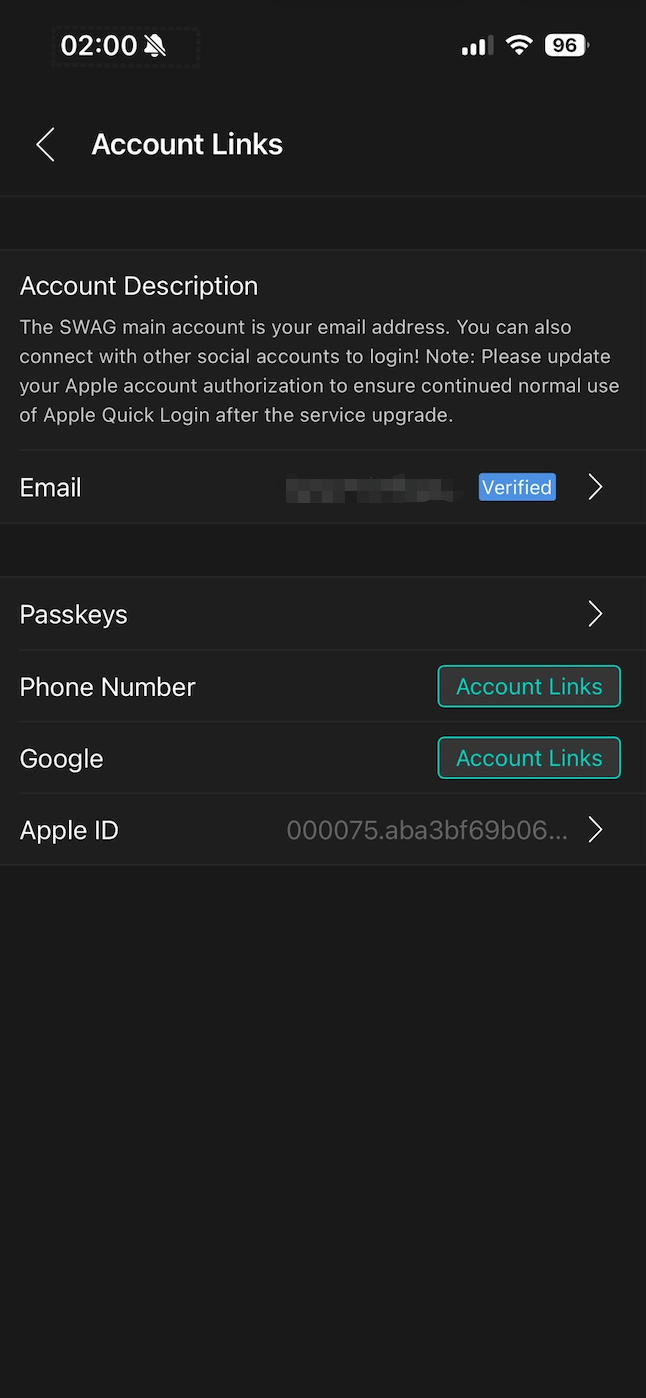
2. Go to Linked Accounts
Navigate to Linked Accounts and tap Apple ID.
3. Complete Apple authorization
An Apple authorization prompt will appear. Follow the on-screen instructions to verify your identity using Face ID, Touch ID, or your device passcode.
Once the verification is complete, your Apple ID will be linked to your SWAG account, and you can use Sign in with Apple for future logins.