
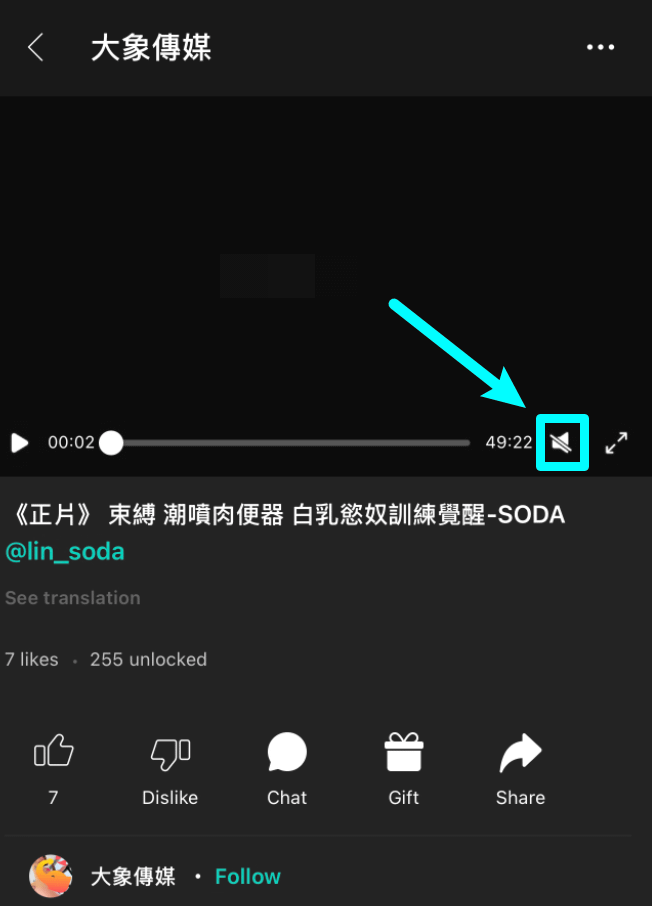
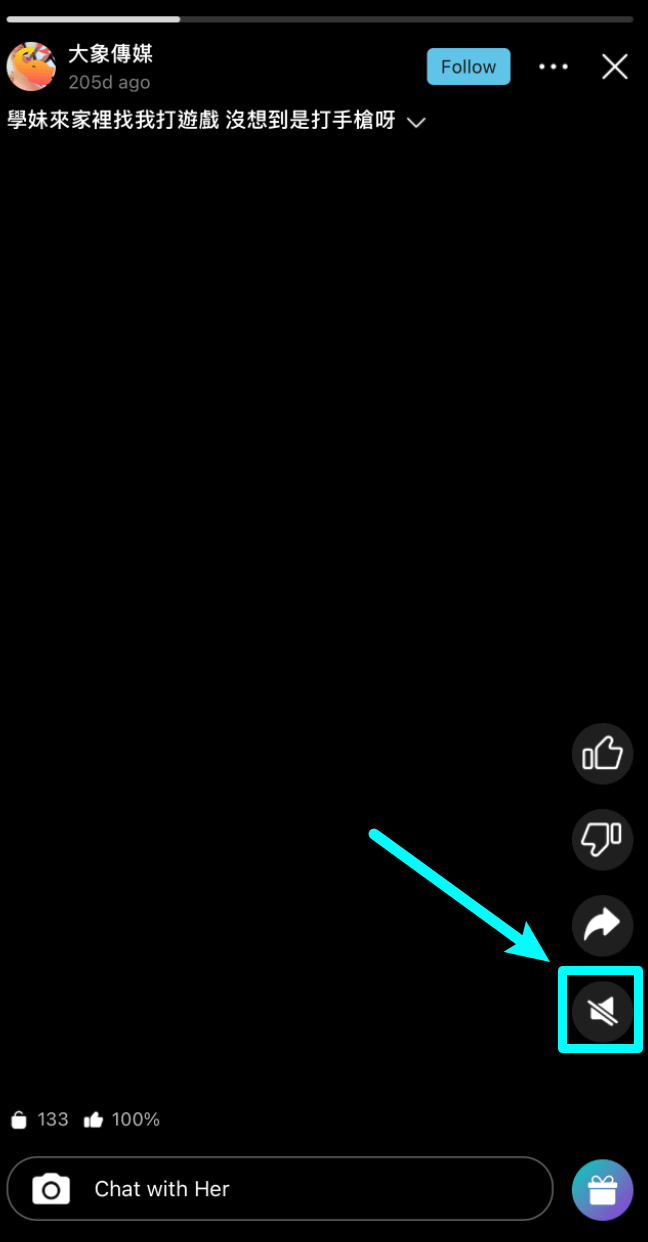
By default, videos and Stories on the platform are muted. You need to manually tap the [Speaker Icon] on the screen to turn on the sound.
Videos
Stories
If there is still no sound after tapping the icon, please check the following common causes:
🛠️ Common Reasons & Troubleshooting Steps
Content is a Photo: If the post you are viewing is a static photo, it will not have any audio.
Content Not Unlocked Yet: If the video requires Diamonds to unlock, the audio feature will only become available after completing the payment.
Not Unmuted Yet: If the video is free or has already been unlocked, please tap the [Speaker Icon] on the player screen (as shown in the image) to unmute and play the audio normally.
💌 Customer Support
If the issue persists after following the troubleshooting steps above, please feel free to contact our Online Customer Support, and we will assist you as soon as possible.