
Here is the English translation formatted for a Help Center article:
You can visit our web version by opening Safari on an iPhone or Chrome on an Android phone. In the chat room, tap the Camera icon to send screenshots or videos from your phone's photo album. Official website URL: https://swag.live/
🎙️ Voice Messages
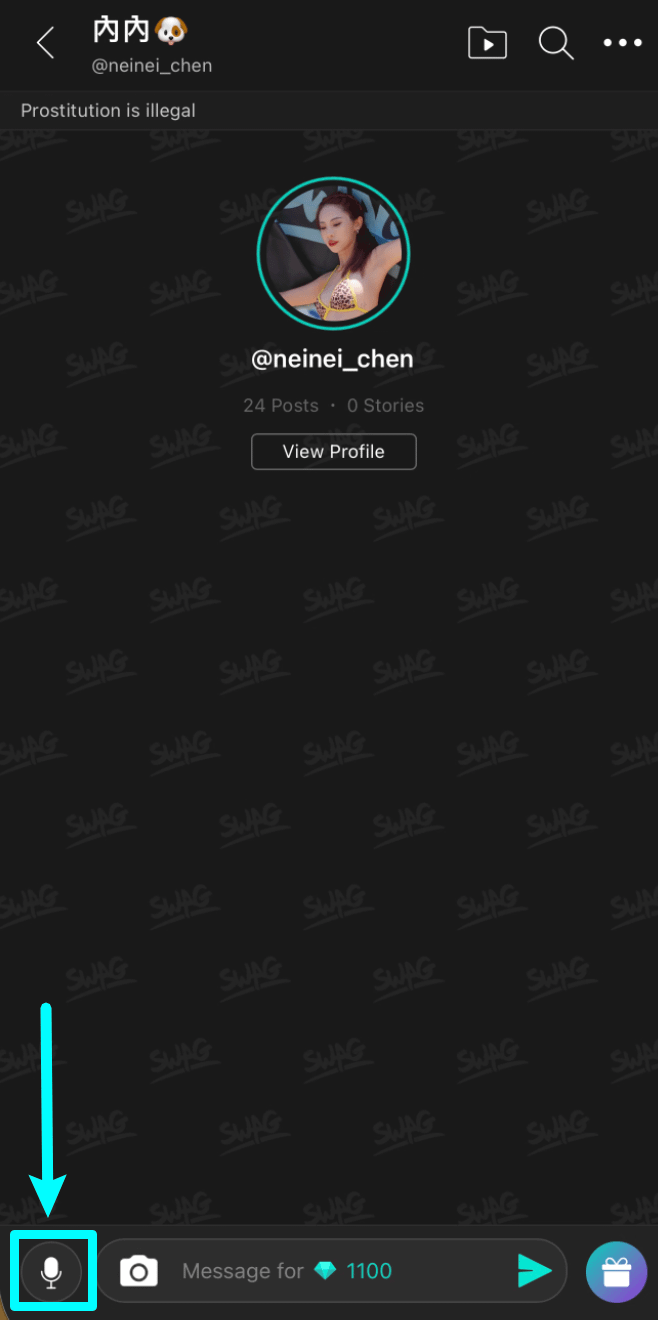
Tap the [Microphone Icon] next to the input box in the chat room.
When using it for the first time, please tap "Allow" for microphone access to enable the feature.
Press and hold to send a voice message (up to 30 seconds). Release to finish recording.
Voice messages cost the same as single text messages. Sending each voice message will deduct the amount of Diamonds set by the streamer.
📸 Photos or Videos
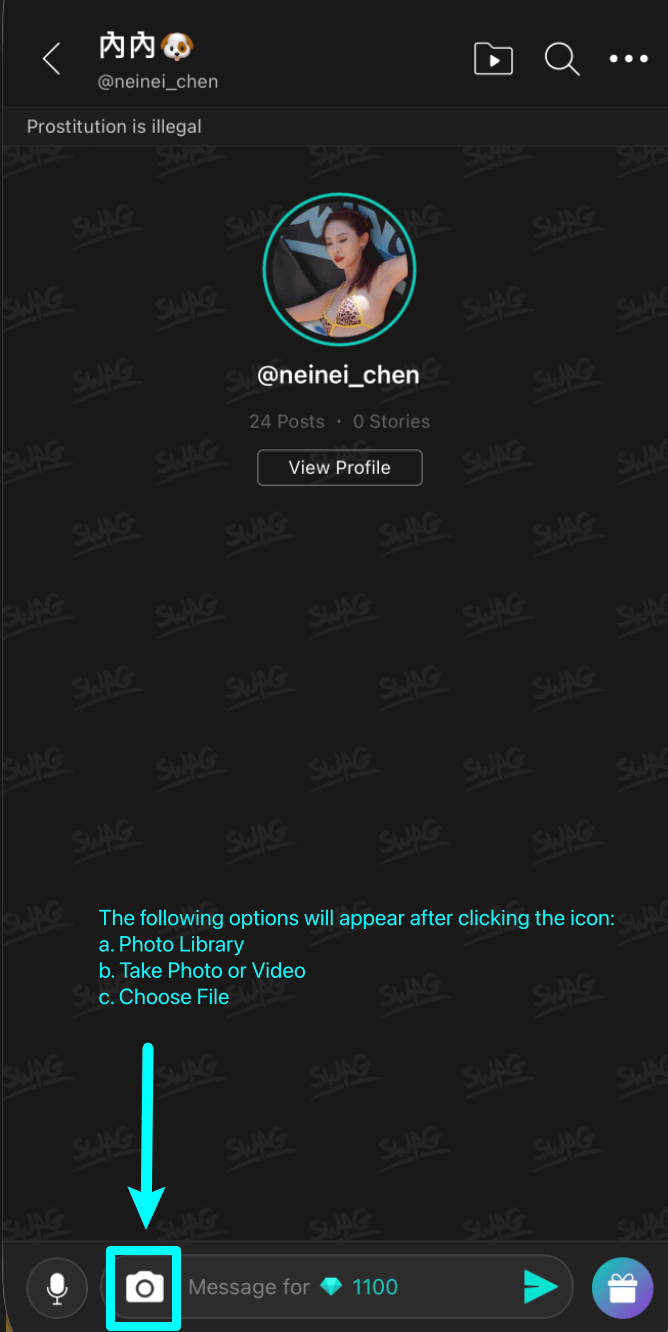
To send photo or video files, tap the [Camera Icon] next to the text input bar, then select the source path of the file you wish to send.
Photos and videos cost the same as single text messages. Sending each media message will deduct the amount of Diamonds set by the streamer.
⏳ Transmission Time & Network Notice
Sending images, videos, or audio files requires additional processing time (ranging up to several minutes), depending on your network connection and file size. If you send text together with media, only the text will be displayed first until the file transmission completes.
⚠️ Important Reminder: If your mobile network is lagging or the loading icon is spinning, please wait patiently. Do not tap repeatedly to re-send messages or gifts, as this may result in duplicate Diamond charges (duplicate actions cannot be canceled or refunded).
⚙️ Microphone Authorization Issues
If an "Unauthorized" message appears, please check your mobile phone settings to ensure permissions are turned on:
Chrome:
Privacy and security➔MicrophoneSafari:
Settings➔Safari➔Microphone