
Say Goodbye to Manual Searching!
Stop wasting time digging through your albums for videos! With our new AI Smart Video Recommendation, the perfect content is just a second away. Simply find and send!
🎬 Two Main Entry Points
1. AI Recommendation
When a user asks for a specific theme (e.g., "Do you have any videos with [Topic]?"), the AI analyzes your chat history to automatically match the most relevant content.
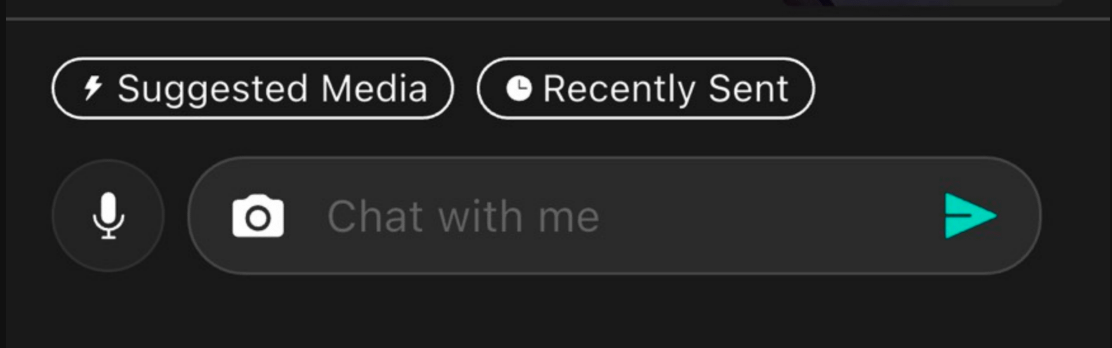
Open the chatroom and tap the AI Recommendation button at the bottom.
Expand See More to browse and select the recommended content.
Tap Preview & Edit to adjust the description or Diamond price (the system defaults to your last used settings).
Tap Send at the bottom, and you're all set!
2. Recently Sent
When a user asks, "What's new lately?", pick directly from this section to save time!
Tap the Recently Sent button at the bottom and follow the same steps as the AI Recommendation to send your latest content.
💡 Pro Tips
Engagement Required: To activate recommendations, you and the user must have exchanged at least 3 messages within the last 3 days.
No Repeats: Content you’ve already sent to that specific user will be filtered out automatically.
Auto-filled Settings: Price and descriptions are automatically pulled from your last settings, but you can still edit them manually before sending.
Sync Time: Newly uploaded content takes about 1 hour to process before appearing in the recommendation pool.
Recommendation Range: The AI scans chatroom media from the past year (Posts are not included).