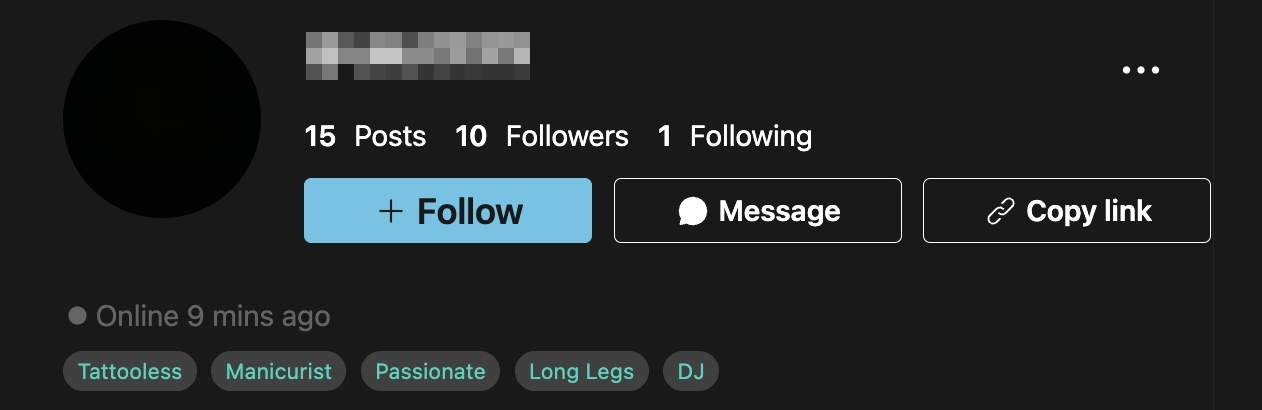
Boost Visibility & Get Discovered Easily
Select multiple relevant tags based on your unique features and content to help users find you more easily! Fans can also quickly learn about your traits through tags and offer you even more support ❤️
How to set up:
Open the moor app > Me (or Profile) >Tap the menu icon (☰) in the top right corner> Profile Edit > Personal Tags to start setting up your tags. (Note: Due to page limits, you can select up to 5 tags.)
Currently, this setting is not available on the desktop version. Please configure it via the mobile app.
Present an example diagram