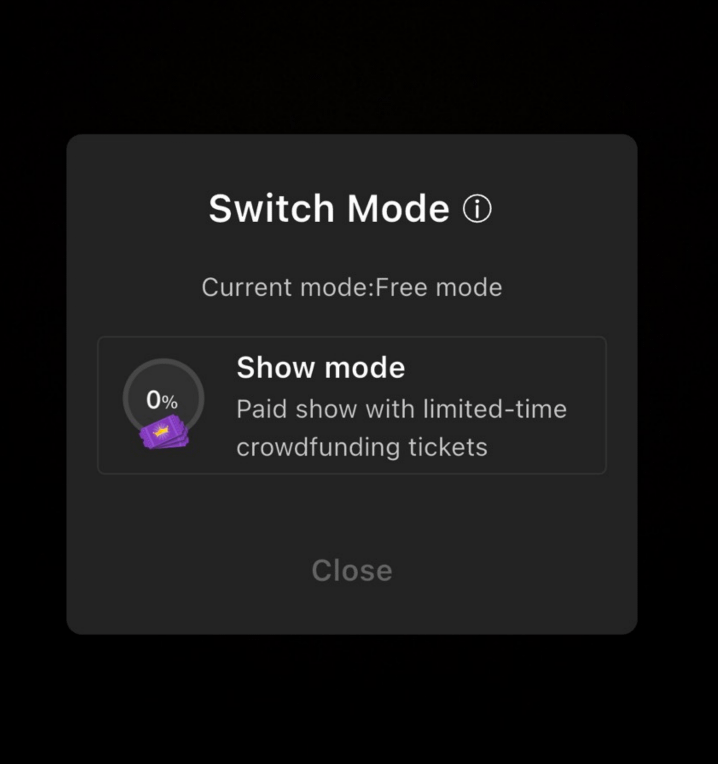
In addition to switching live modes by accepting a user invitation, streamers can also manually switch modes during the stream:
1. After starting the stream, tap the "Mode" button at the bottom-left corner of the screen.
2. Select your desired mode: Performance Show Mode or Free Mode.
💡 Important Note: One-on-One Mode cannot be initiated directly by the streamer. It must be requested by the user and accepted by the streamer to be enabled.